
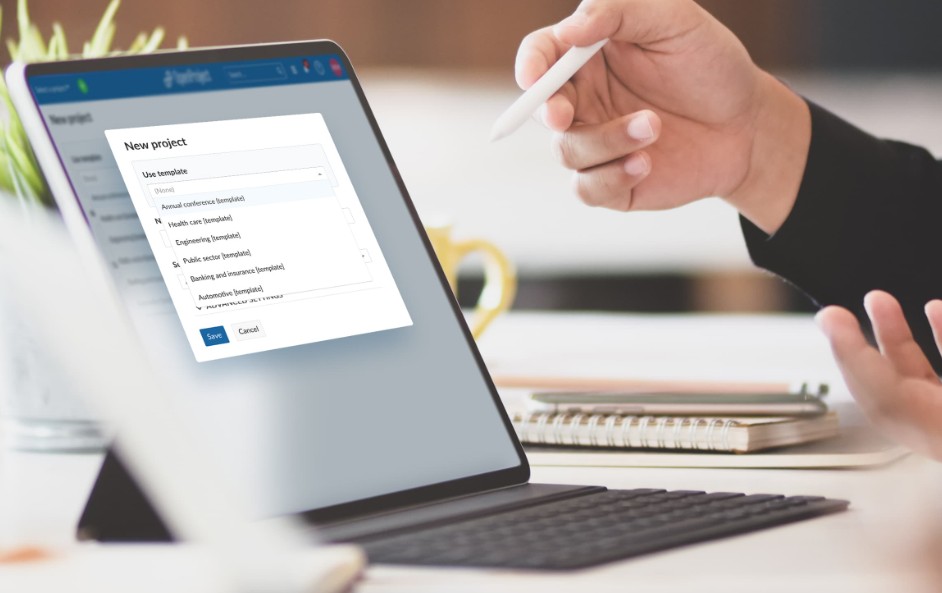
Recreating the same email, report, or meeting agenda over and over? It’s time to save time with templates.
Templates are ready-to-use formats that help you skip repetitive setup and jump straight into meaningful work. From daily emails to weekly dashboards, they allow faster execution, better consistency, and fewer errors.
Why use templates?
- They reduce repetitive tasks.
- They standardize tone, structure, and branding.
- They improve turnaround time.
Example: A customer support team introduced templates for common inquiries. Instead of typing responses from scratch, agents customized prewritten messages. The result? A 40% reduction in response time and improved consistency across the team.
Where can templates help you save time?
- Routine emails (follow-ups, meeting invites, status updates)
- Reports (weekly summaries, KPIs, performance reviews)
- Meeting materials (agendas, minutes, action plans)
- Presentations or project proposals
How to start:
- Identify repeatable tasks or documents.
- Create a clear, editable format with placeholders.
- Save your templates in an accessible place – Google Docs, Notion, or email drafts.
Bonus tip: Encourage team-wide use of templates to align communication style and improve productivity across departments.
Templates don’t restrict creativity, they remove friction. By using them, you free up brainpower for higher-value tasks. In a fast-paced work environment, simple tools like templates create powerful gains in time, clarity, and performance.
In short, save time with templates, and watch your workflow become smoother and smarter.
Related topics: Workplace Tips Articles
Further reading: Inc. – Building a Better Workplace